Instructions
Getting started.
From the box to your first readings, in six steps.
Check what's in the box
Your box holds everything you need to start.
In the box
- HLTH Band
- Silicone strap
- Fabric strap
- Magnetic charging cable
- User guide
Charge the band
Give the band a full charge before you start.
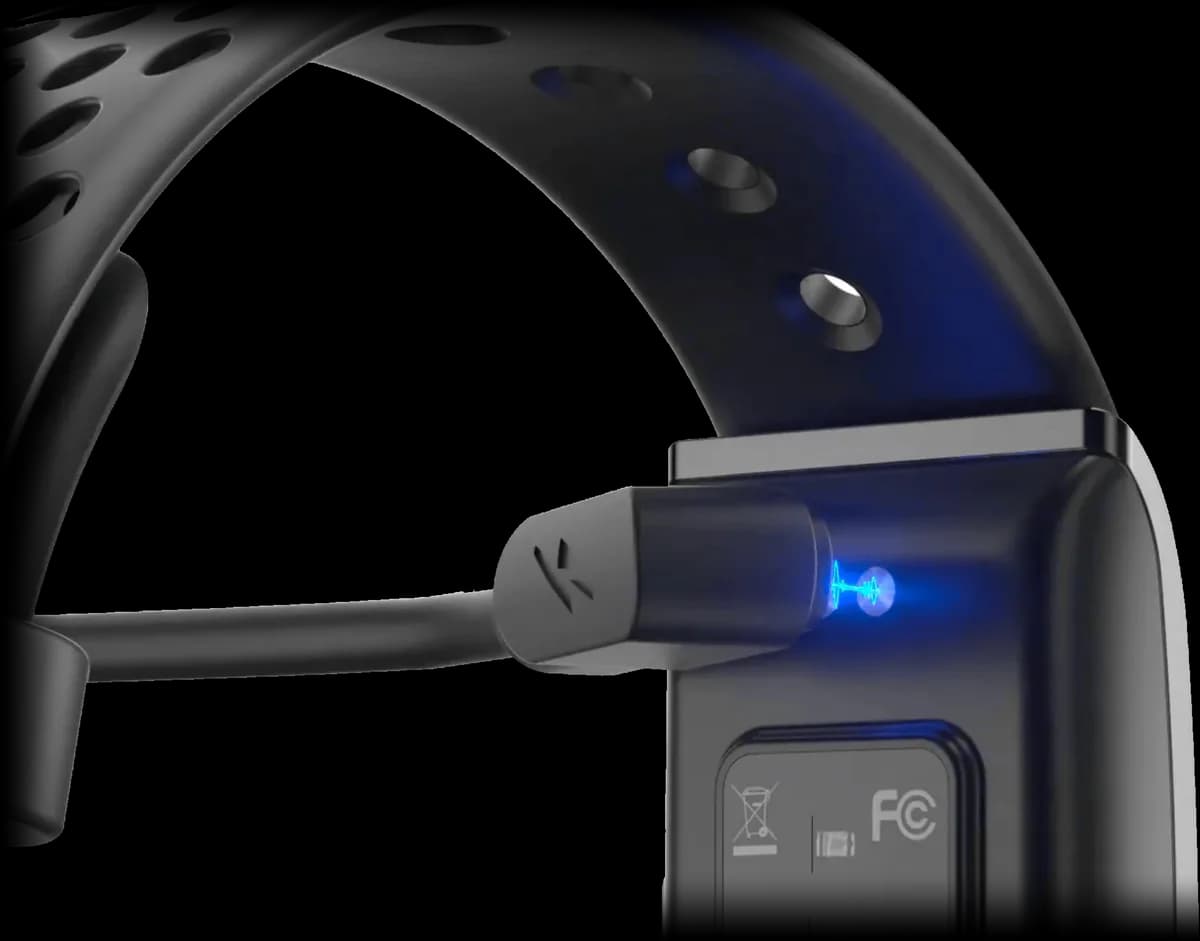
- Attach the magnetic charging cable to the charging points on the back of the band.
- Plug the other end into a power source (a USB charger or a power bank).
- Leave the band to charge until it's full.
Download the HLTH app
The app is free on the App Store, for iPhone with iOS 16.6 or later.
HLTH
Free on the App Store
Download the appCreate an account or log in
Log in with your email and password. New to HLTH? Choose Create Account: the app then asks seven short questions to personalise your experience, and saves your progress after each one.
Seven short questions
- Gender
- Age
- Height
- Weight
- Daily steps goal
- Sleep goal
- Daily calorie burn goal
You're all set
Verify your order and pair the band
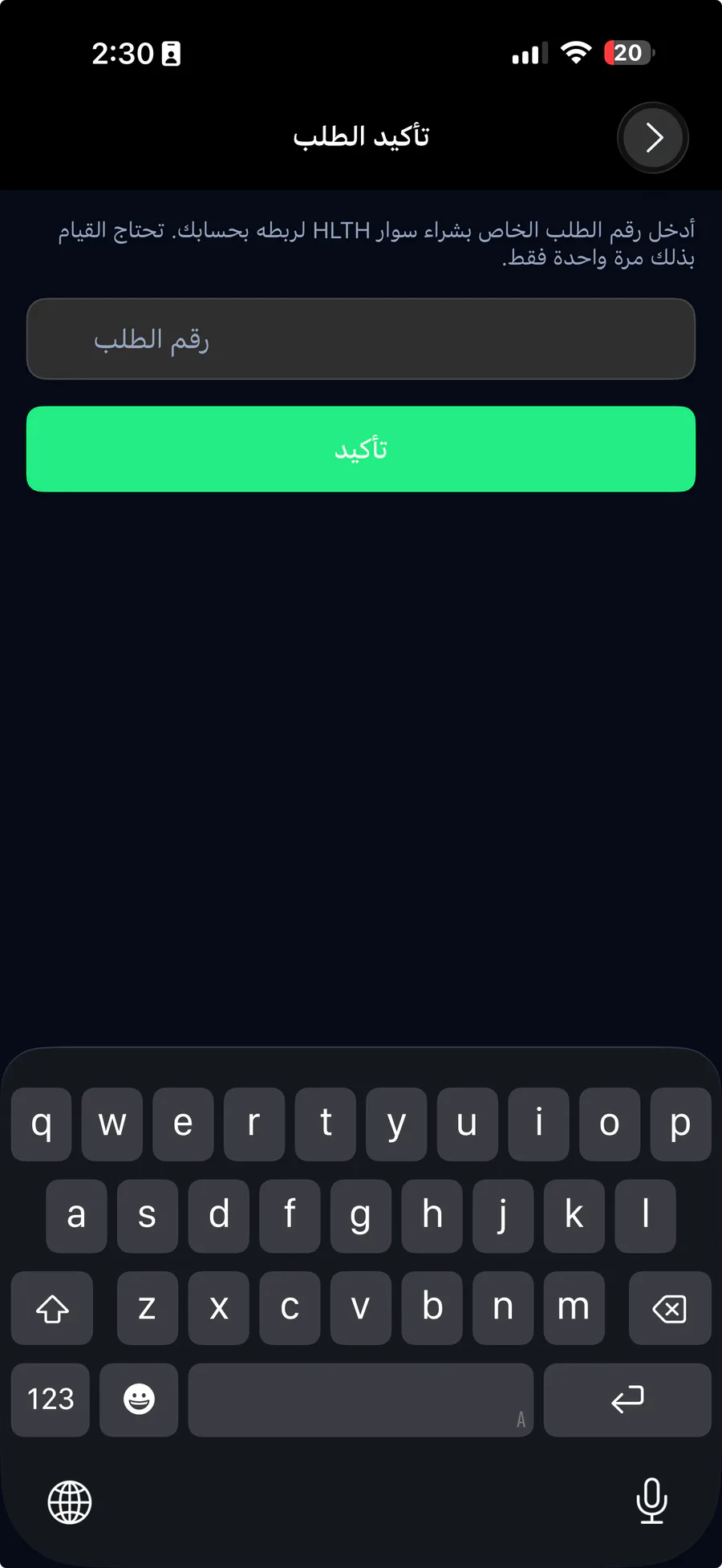
In More → Device Settings, tap Add device. Enter the order number from your HLTH purchase (only once), then choose your band.
Wear it
Wear the band a little above your wrist bone, snug but not tight, with the sensors touching your skin.