Apple Health
Works with Apple Health.
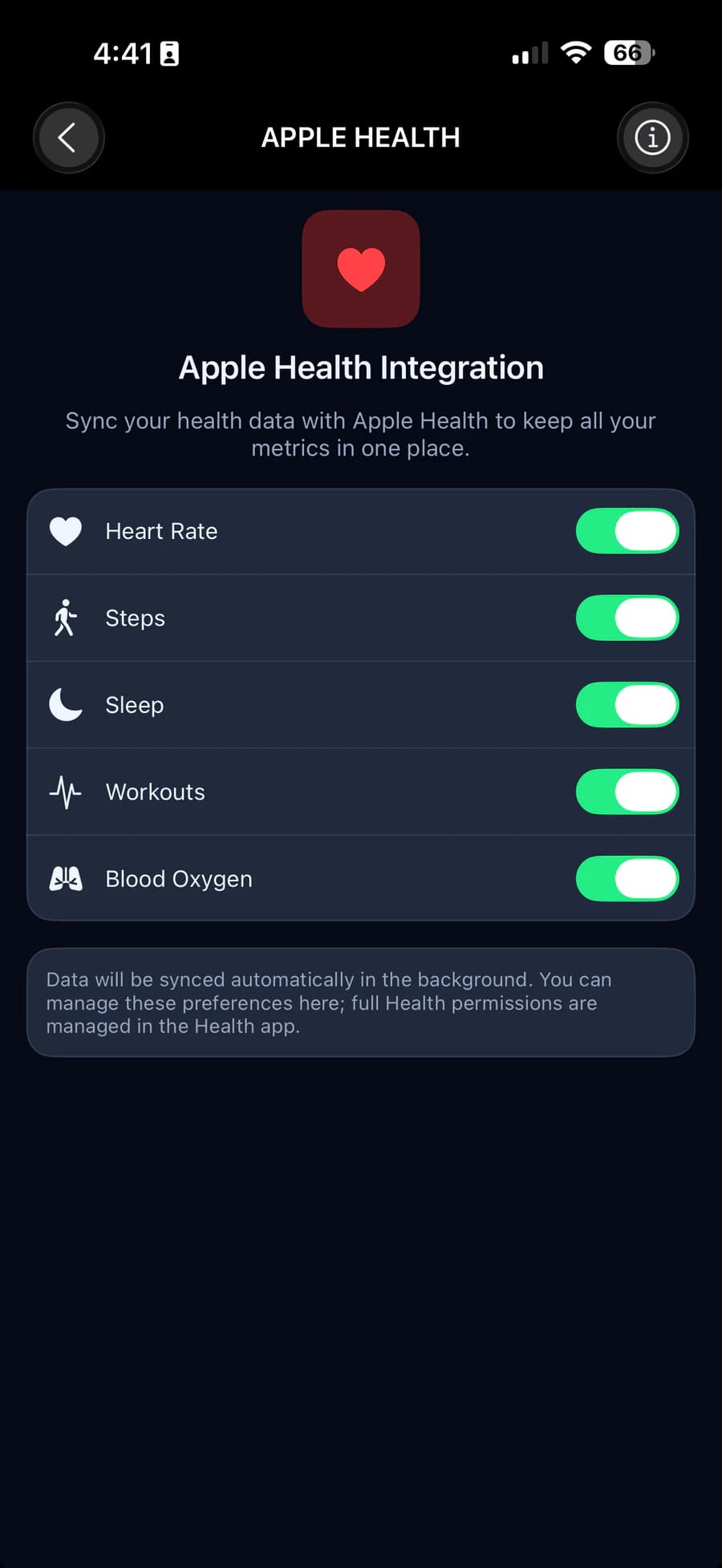
HLTH can save your heart rate, steps, sleep and blood oxygen to Apple Health, so your data lives in one place. You choose each one, and HLTH reads nothing back.
What HLTH saves
Four kinds of data. Your choice.
Turn each one on or off on the Apple Health screen in the app. Try it on the card.
Heart rate
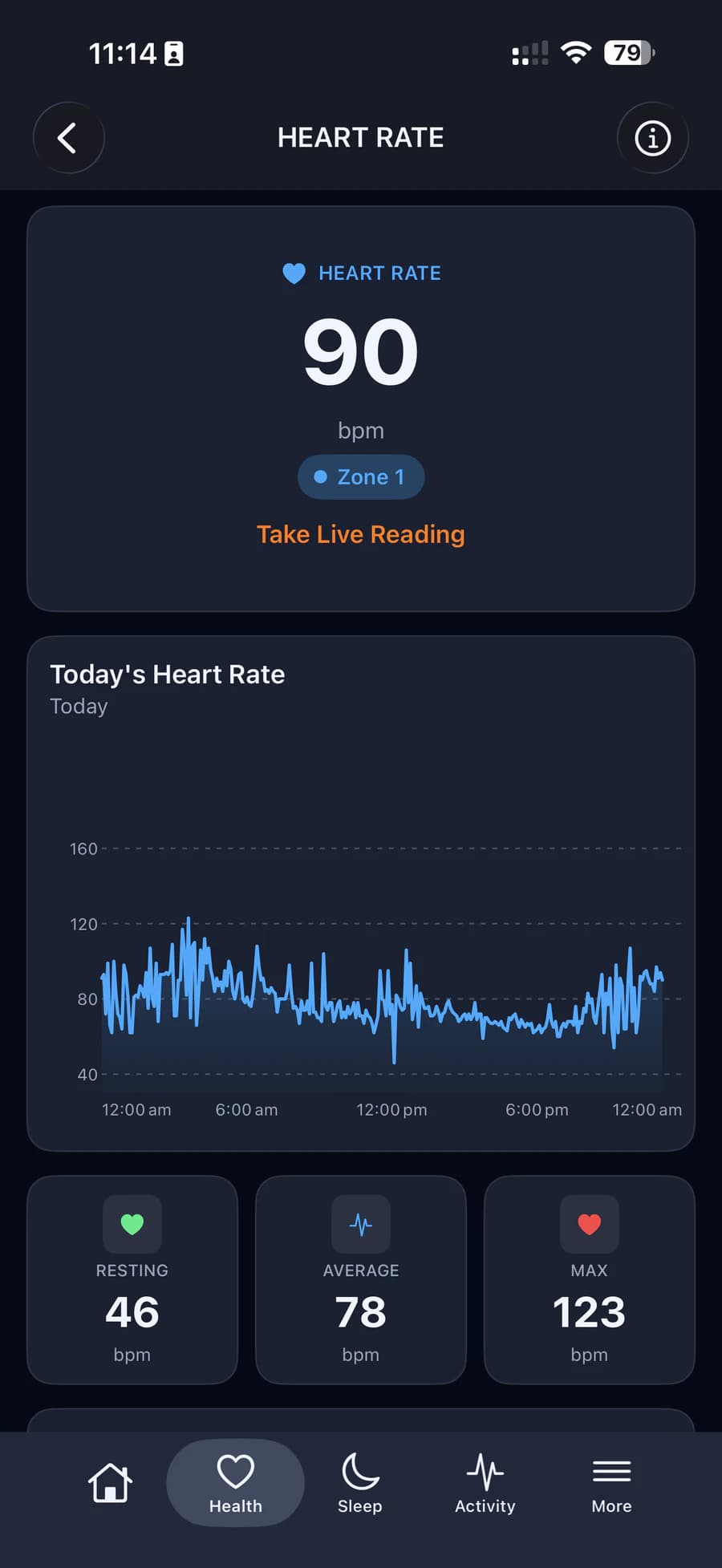
Your band's readings through the day, including live readings.
Steps
One total for each day, kept up to date, so Apple Health never counts a step twice.
Sleep
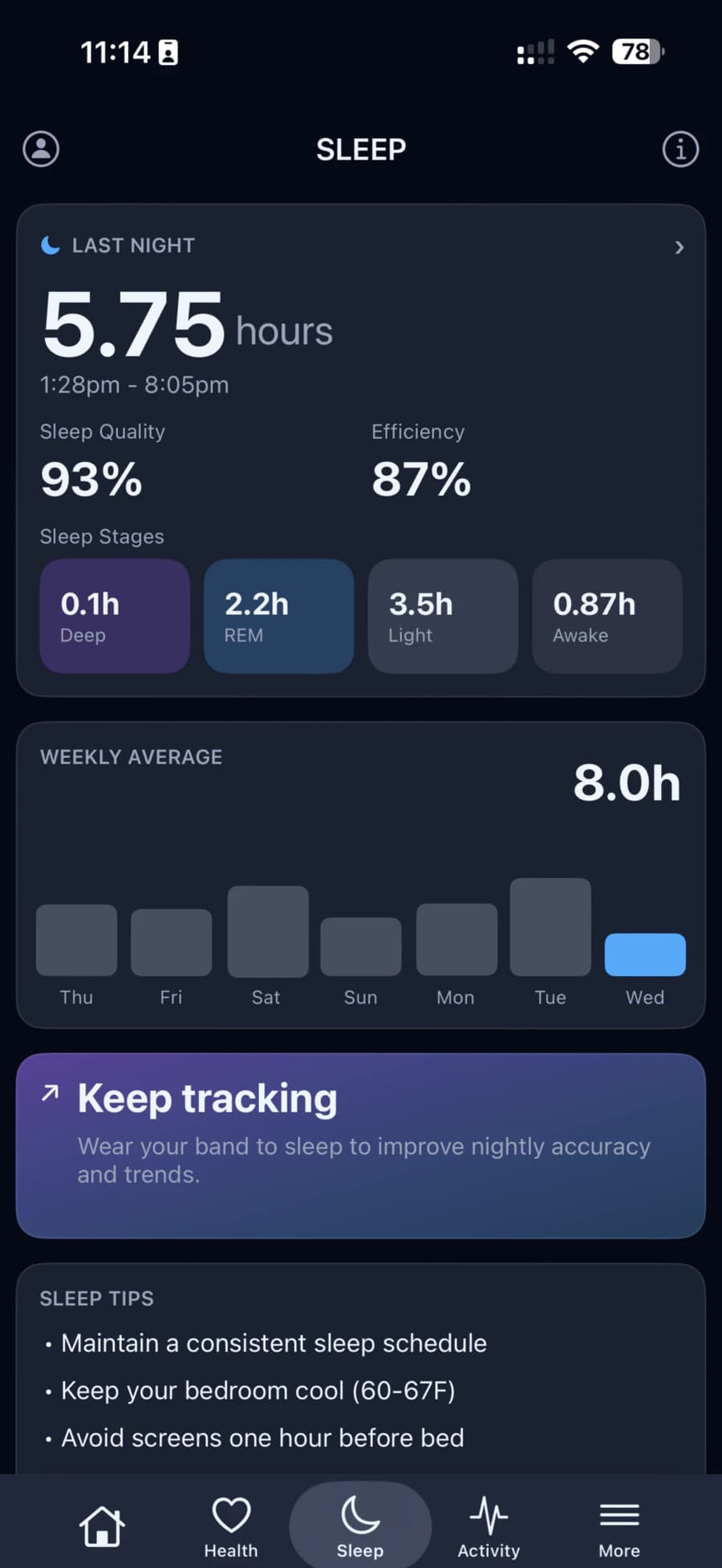
Your nights with their stages, including nights you added by hand.
Blood oxygen
Your readings through the day, including live readings.
Apple Health
- Heart rate
- Steps
- Sleep
- Blood oxygen
Saving 4 of 4 to Apple Health
Full Health permissions are managed in the Health app.
One way only
Saves to Apple Health. Reads nothing.
HLTH only asks iOS for permission to save. It never reads anything from Apple Health, so the data from other apps stays where it is.
In the background
Your data is saved automatically after each sync from your band.
You stay in charge
Change your choices in HLTH at any time, and manage full permissions in the Health app.
How saving works
Quietly, and only what you allow.
You choose
Each kind of data has its own switch. When you turn one on, iOS asks for your permission.
After each sync
New readings are saved after your band syncs, and again when you open the Apple Health screen.
No double counting
Steps are saved as one total per day, and a night saved again replaces its earlier copy.
HLTH saves to Apple Health and reads nothing from it.