Sleep
Know how you really slept.
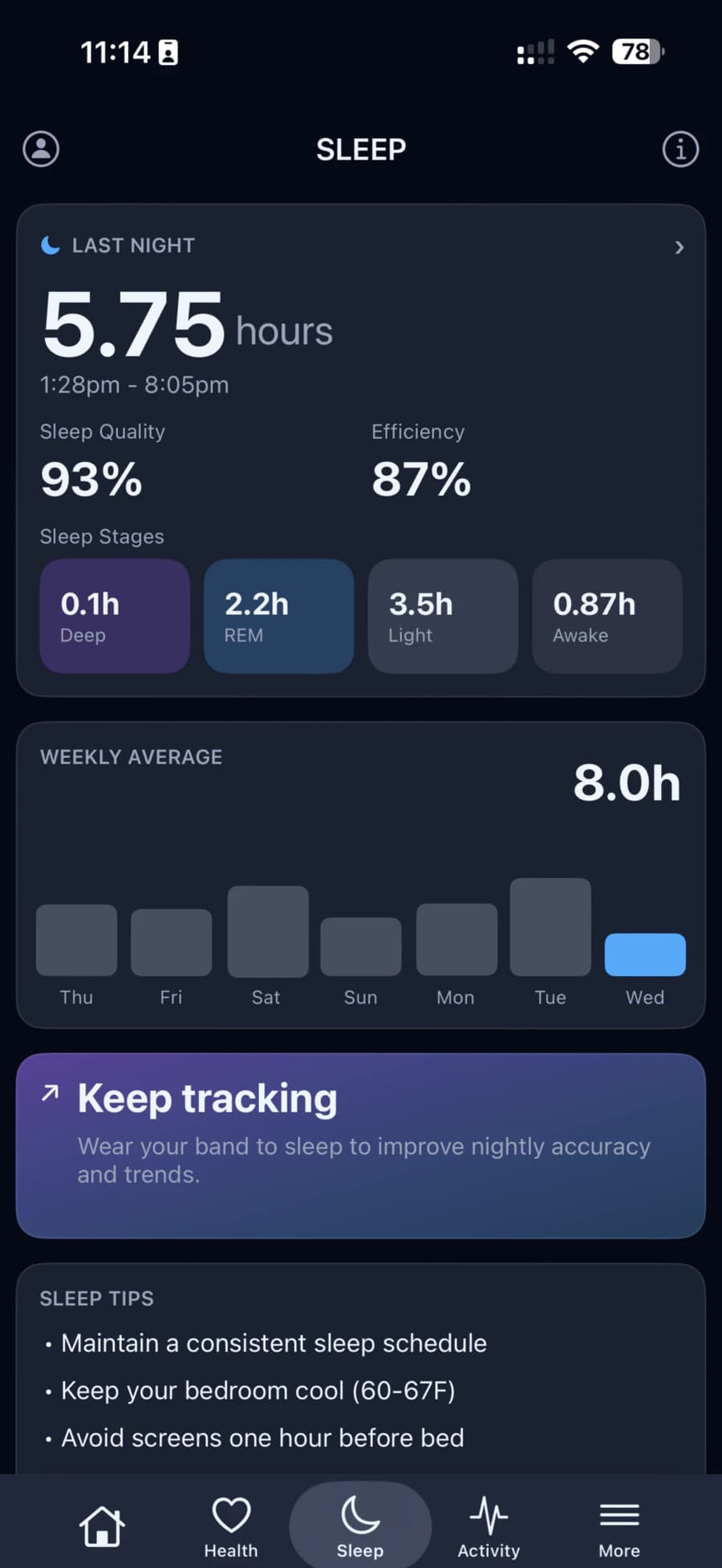
Wear your HLTH Band to bed. In the morning the app shows how long you slept, when you fell asleep and woke up, and how the night split between deep, REM and light sleep, with your weekly average beside it.
Sleep performance
One score for every night.
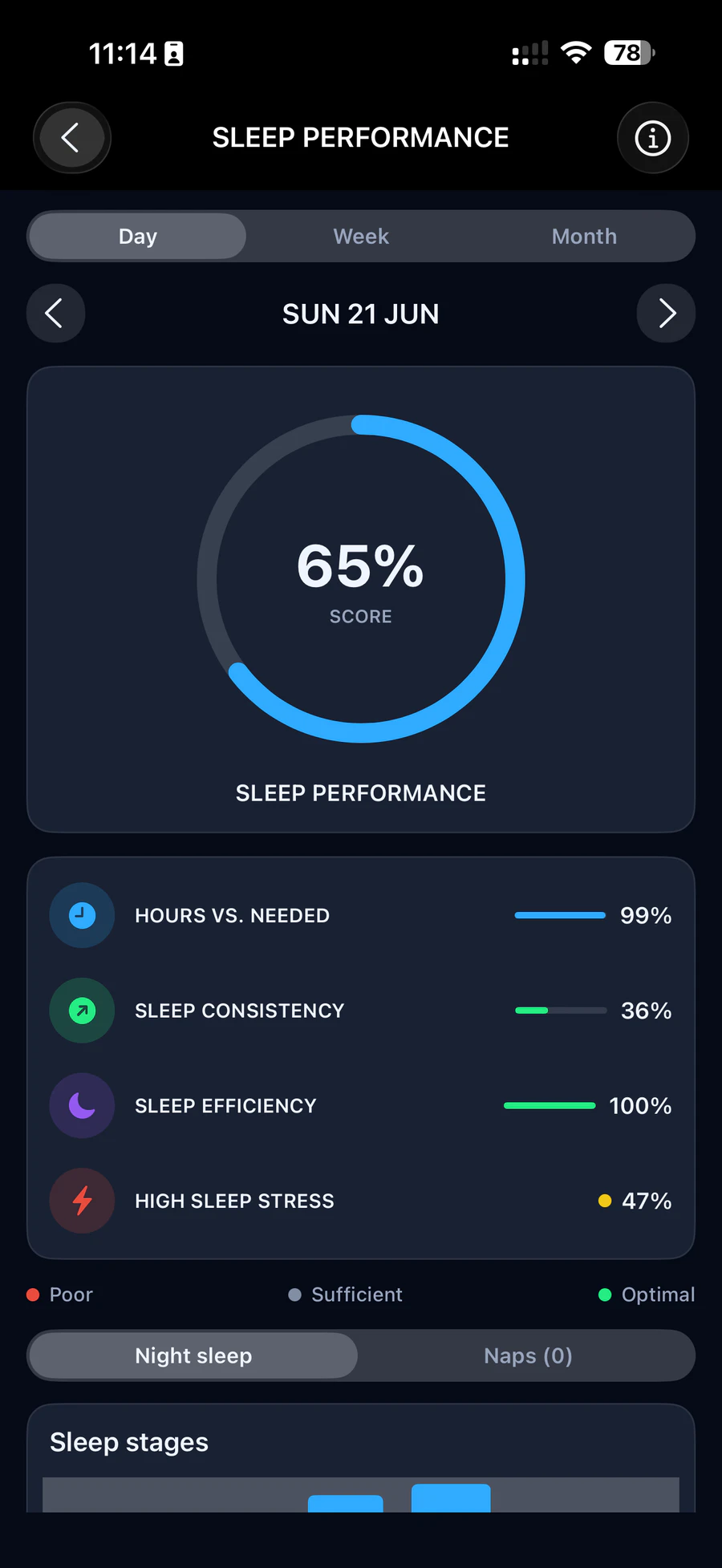
Each night gets a sleep performance score, as a percentage. Look back by day, week or month, and see what shaped it.
Hours vs. needed
Your time asleep against the sleep goal you set in your profile.
Sleep consistency
How steady your nights are from one to the next.
Poor, sufficient, optimal
A colour for each part, so you see at a glance where to improve.
Sleep stages
Every stage of the night.
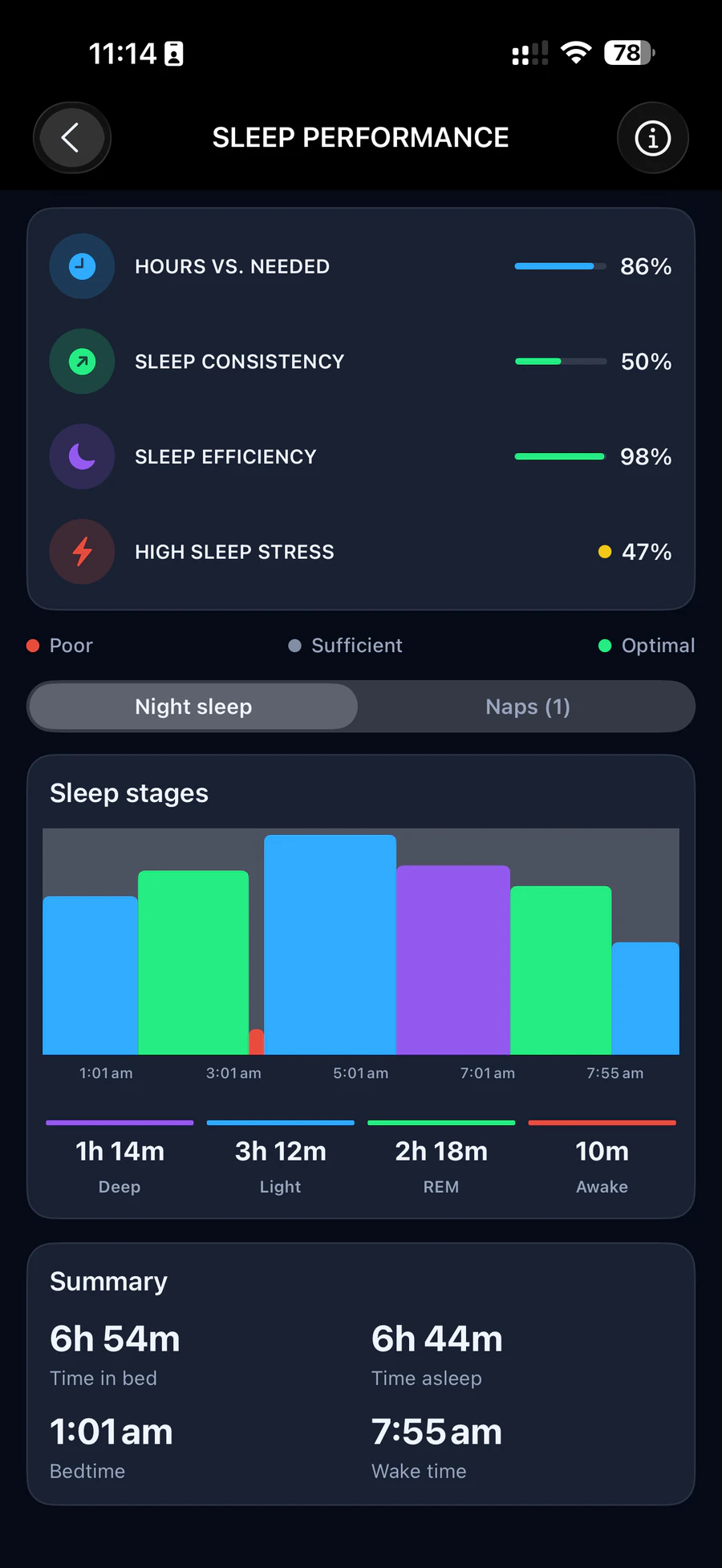
A chart of the whole night shows when you were in deep, light and REM sleep, with the time in each, your bedtime and your wake time.
Night sleep and naps
Naps get their own tab, so your night stays clear.
Weekly average
Seven bars, one per night, with naps included.
Manual entry
Missed a night? Add it.
If the band didn't record your night, enter when you fell asleep and woke up. The app estimates your sleep stages from what the band measured during that time, heart rate, HRV and blood oxygen, and marks the night as a manual entry.
Add sleep
Sleep tips
Small habits, better nights.
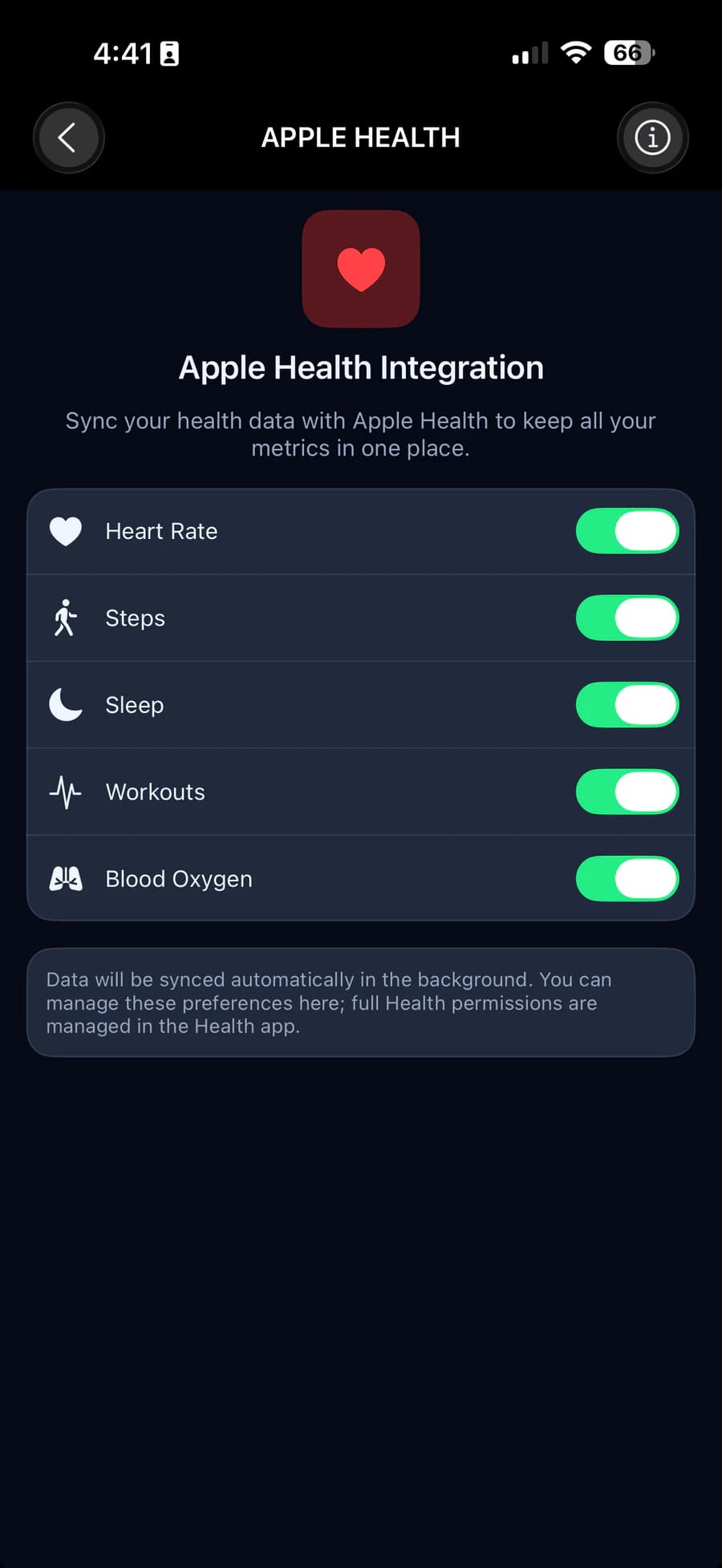
The Sleep tab keeps three simple tips close at hand. Your sleep can also be saved to Apple Health, if you turn it on.
Sleep tips
- Keep a consistent sleep schedule.
- Keep your bedroom cool, 21–24 °C.
- Avoid screens one hour before bed.
How a night is counted
From the band's readings to your night.
Segments become sleep
The band records your night in short segments. They join into one sleep unless there's a break of 20 minutes or more.
Your main sleep
The longest sleep of the day with at least three hours asleep is your night. A shorter sleep between midnight and 6 am can count too.
Everything else is a nap
Any other sleep that day is a nap, shown in its own tab and added to the day's total.
For general wellness. HLTH is not a medical device.